
How long does a website take? The process from A to Z
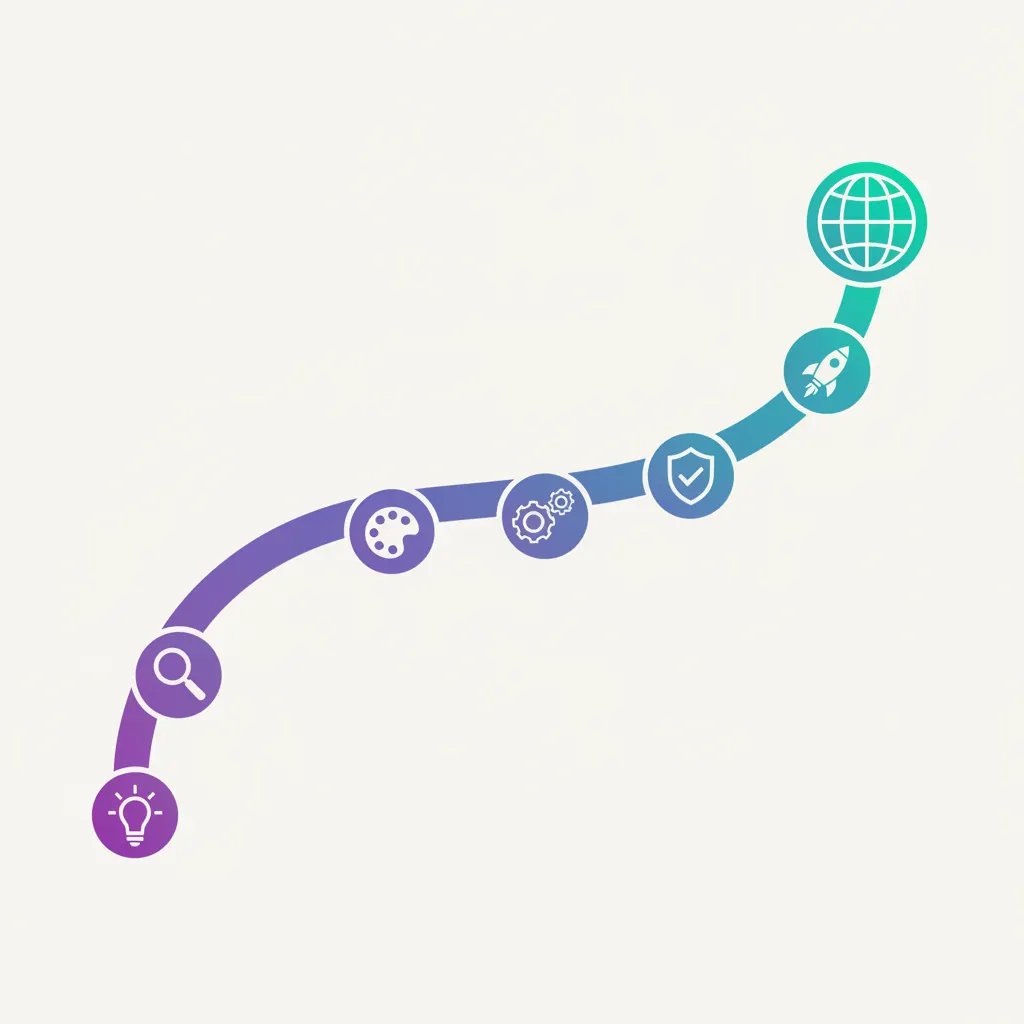
The question I hear most while consulting is “how long does a website take?”, and the honest answer is that it depends: a tidy landing page can be done in a few days, while a multi-page site takes a few weeks. But the part few people tell you plainly is that the speed mostly sits with you, not with whoever builds it. Here is the whole process from start to finish, with the spots that tend to get stuck, so you know what you can do to get your site over the line faster.
Step 1: Talk it through and lock the goal
Before drawing anything, I need to know what you want this site to actually do. It sounds simple, but this is what decides fast or slow more than anything else. A page “just to look legit” is very different from one for customers to book a table, which is again different from one for placing an order over chat.
Take a restaurant: the main goal is usually to show new customers the menu, prices, and address, with a button for directions. A spa is different, because people want to see the service price list and book by time slot. A homestay needs guests to see the rooms, the seasonal rates, and message to book directly. Those three goals lead to three different builds.
I usually ask very concrete questions: who are your customers, when do they look for you, what do you want them to do the moment they land. The clearer your answers, the less I have to guess and redo. Done well, this is a single conversation; if you are still unsure and say “anything works”, it can drag on for days just to settle the direction.
Step 2: Prepare your content and photos
This is the part that gets stuck most often, and the part that depends on you most. A website can’t invent what your dishes are called, what they cost, or what they look like, so it waits on your words and photos. I half-joke that no matter how good the design is, without content it’s just an empty frame.
The restaurant has no decent photo of a bowl yet, snapped in a hurry during the rush, so it’s dark, crooked, and unusable. The spa hasn’t settled its price list, and every staff member quotes it differently. The homestay has lovely rooms, but the photos are backlit and the bed isn’t made. Small things, but together they can add a week, because the site just sits and waits.
- A list of dishes or services, with clear prices.
- A few honest lines about you, with no need to be fancy.
- Clean, well-lit photos: food, the space, a few real customers if you have them.
- Contact details: phone, chat, address, opening hours.
My tip is to gather these right at the start instead of waiting until I ask and then going hunting for them. Every day you prepare early is a day the whole timeline moves forward.
Step 3: Design the layout
With the goal and content in hand, I start building the layout: what goes up top, what goes below, the colours and fonts that suit your shop or brand. This stage usually has a few back-and-forth rounds for you to review and comment.
For a homestay, I’d show you a draft of the top of the page: a big room photo, one line that says “sea view, book directly”, and a chat button. You look and say “not this photo, use the balcony one”, I adjust, and a couple of rounds like that is normal. What sets the pace here is how fast you review: if you look the same day and give tidy feedback, one or two rounds and it’s done, but if each draft waits days for you to be free, this stage naturally stretches out.
How fast you reach the finish depends largely on how quickly you prepare content and approve the design.
Step 4: Build it and wire in the content
Once you’ve signed off on the design, I build the real page and connect the working parts: a chat button, a quick-call button, a form for customers to leave a name and number, a map for directions, and booking if you need it. This is the technical part, mostly my job, so you have less to worry about.
Now the content you sent in Step 2 finally gets placed where it belongs. The menu shows up neatly, and tapping the phone number calls right away. At the spa, a customer picks a service, a time, taps book, and a message lands with you. If you only discover here that a few photos are missing or a price is wrong, I have to stop and wait, which is exactly why a solid Step 2 makes Step 4 run smoothly.
Step 5: Test, go live, and hand over
Before any customer sees it, I check it carefully, and the most important thing is to view it on a phone, because almost all your customers will come in on a phone, not a computer. I tap every button: does chat open the right number, does the form actually arrive, does the map point to the right place. Small glitches like overflowing text or stretched photos get fixed right here.
Once it’s clean, I point your domain at the site so your web address goes live, then hand it over to you. I’ll show you what you can do yourself, such as changing a price, adding a new photo, or updating holiday hours. I also remind you of a few things to do next: link the site on your Facebook page, put the link in your chat profile, print a QR code on the menu so customers can scan in. The site going live is when it actually starts working for you.
So how long, all in?
Put together, a tidy one-page landing page usually takes from a few days to just over a week, while a multi-page site with several services, booking, or a cart runs into a few weeks. These are the ranges I actually see, not a hard promise, because every job is different.
Three things decide whether you’re fast or slow: whether your content is ready, how quickly you approve the design, and whether the scope is wide or narrow. An owner who hands over good photos, a clear price list, and reviews the same day gets a site done very fast, while someone still hunting for photos and reviewing once a week can stretch the same page out three times longer. The clock is in your hands more than you’d think.