What does a website or landing page actually cost?
Ask “how much does a website cost” and you’ll hear wildly different numbers — a few hundred thousand here, tens of millions there. Mostly that isn’t overcharging; it’s that each shop bundles different items into one figure. Here I break the cost down piece by piece so you can see where the money goes, what you pay once, and what comes back every year.
What you pay only once
This is the biggest chunk, and you pay it when the site is first built. The heaviest part is the design and build work: laying out the page, choosing colours, adding your content, and making it look right on both phones and computers. That’s real human effort, which is why it takes up most of the quote.
A few smaller items usually ride along with it:
- Writing the content: the words on the page, your menu or service descriptions, your intro. A noodle shop needs to describe a broth simmered for hours; a spa needs each treatment spelled out.
- Preparing and editing photos: cropping, brightening, compressing so they load fast. A homestay’s room photos shot on a phone are fine, but they need even colours and a light file size.
- Adding buttons and features: a Zalo message button, a quick-call button, a map, a form for the visitor’s name and number, and sometimes a booking widget.
Pay once means done is done. If you never change anything later, you won’t pay these items again.
What comes back every year
This is where shop owners get most confused, because it works like rent — stop paying and the site disappears. There are three main things.
Your domain name is your web address, like “mynoodleshop.com” or “.vn”. You don’t buy it outright; you rent it by the year, usually just a few hundred thousand annually depending on the ending. Forget to renew and someone else can grab it, so it’s worth remembering.
Hosting, or the platform that runs the site, is where your website “lives” so anyone typing the address can see it. Think of it as rent for the premises your page sits on — paid yearly, priced by how heavy the site is. A one-page landing page is cheap; a multi-page site with bookings and customer accounts costs more.
The security certificate is the little padlock next to the address that shows “https” so visitors feel safe entering details. It usually comes bundled with the hosting or platform, so you rarely pay for it separately — but it’s worth confirming.
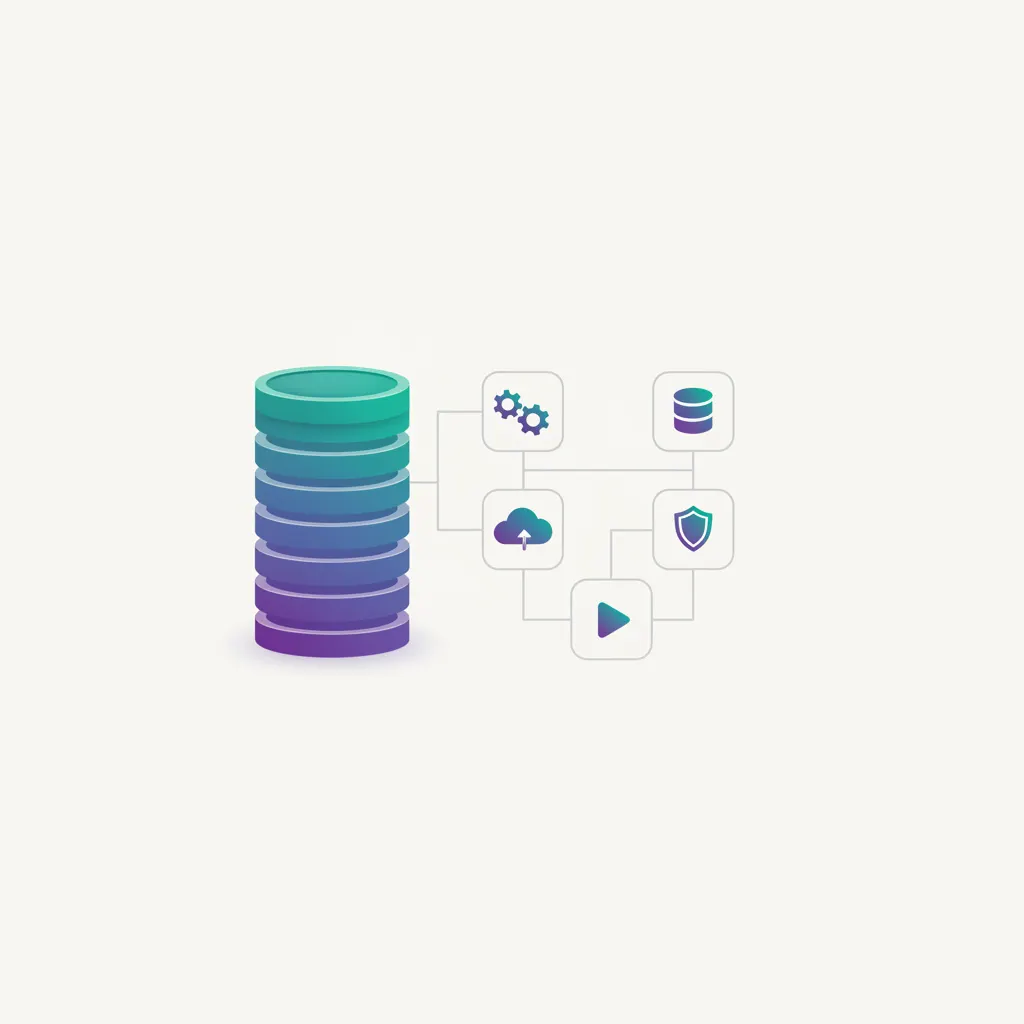
On one side, the one-time build cost; on the other, the yearly cost of keeping the site alive.
The items that are easy to forget
This group causes the most friction after handover, because quotes rarely spell it out. Ask up front so there are no surprises:
- Edits after handover: changing menu prices, swapping in seasonal photos, fixing opening hours. Some places give a few free edits early on; others charge per change.
- New pages or features: you started with one page, then want a promo page or a booking widget — that’s new work with its own cost.
- Yearly renewals: the domain and hosting come due and must be paid again. Small, but steady.
- New content: you launch a new service or open a branch, the site needs updating to match, and that takes effort too.
What pushes the total up
Understand these factors and you’ll see for yourself why two quotes differ, and know exactly what you’re paying for.
- Custom build or a ready template: building from a template is faster and cheaper; a custom design that matches your shop’s style looks better and more distinct, but takes more work.
- Number of pages: a tidy one-pager is nothing like a ten-page site. More pages, more work.
- Special features: taking payments, automatic booking, customer accounts — all far more involved than a single Zalo button.
- Having content written and photos taken: if you supply ready text and good photos, it’s cheaper; if someone does that for you, it adds up.
One page that closes the sale, or a whole website?
This is the choice that hits your wallet most, and it’s a simple one: how much do you actually need?
A tidy landing page — just one page where a visitor looks and orders right away — is far cheaper and faster than a multi-page site. A noodle shop usually needs exactly one page: a few food photos, the address, a call button, and a table-booking button. Build more and few people read it.
A spa with a dozen treatments, where customers pick a service and book a time slot, needs a multi-page site with a booking system. Both are “making a website”, but the workload differs hugely, so the prices differ too — that’s normal. A small tip: start with the small thing you’re sure you need, then expand later; it’s never too late.
Three questions to ask before you commit
Before agreeing to any number, just ask these three things and the fog clears:
- Which items are paid once, and which come back every year?
- After handover, are small edits charged, and for how long are they free?
- What do I own — whose name is the domain under, and do I keep the admin account and the content?
These three let you compare quotes on the same yardstick instead of just eyeballing the headline price. A cheap quote where the domain is under their name and every edit is billed isn’t necessarily the better deal.